
iPhone · free to download
Passport Photo: Photo Maker ID for iPhone
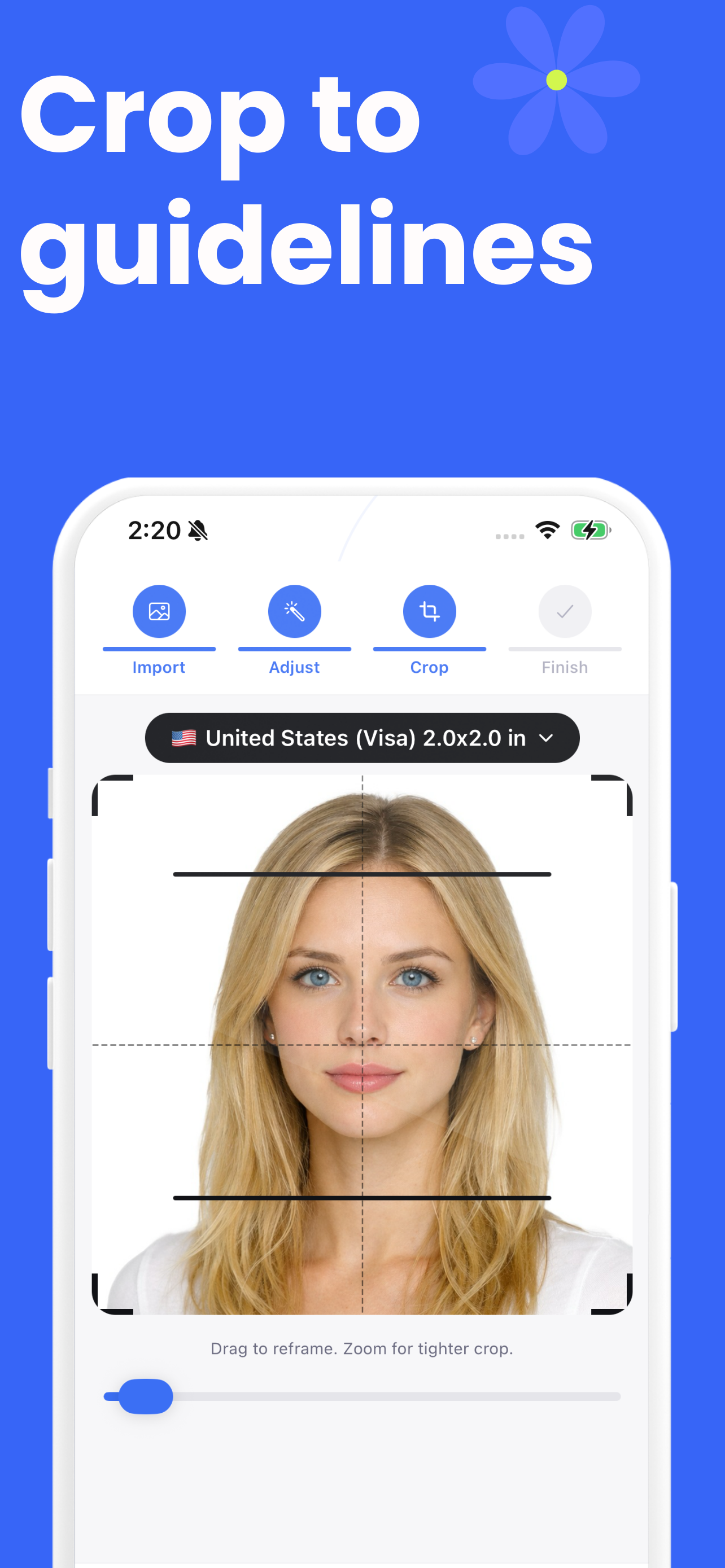
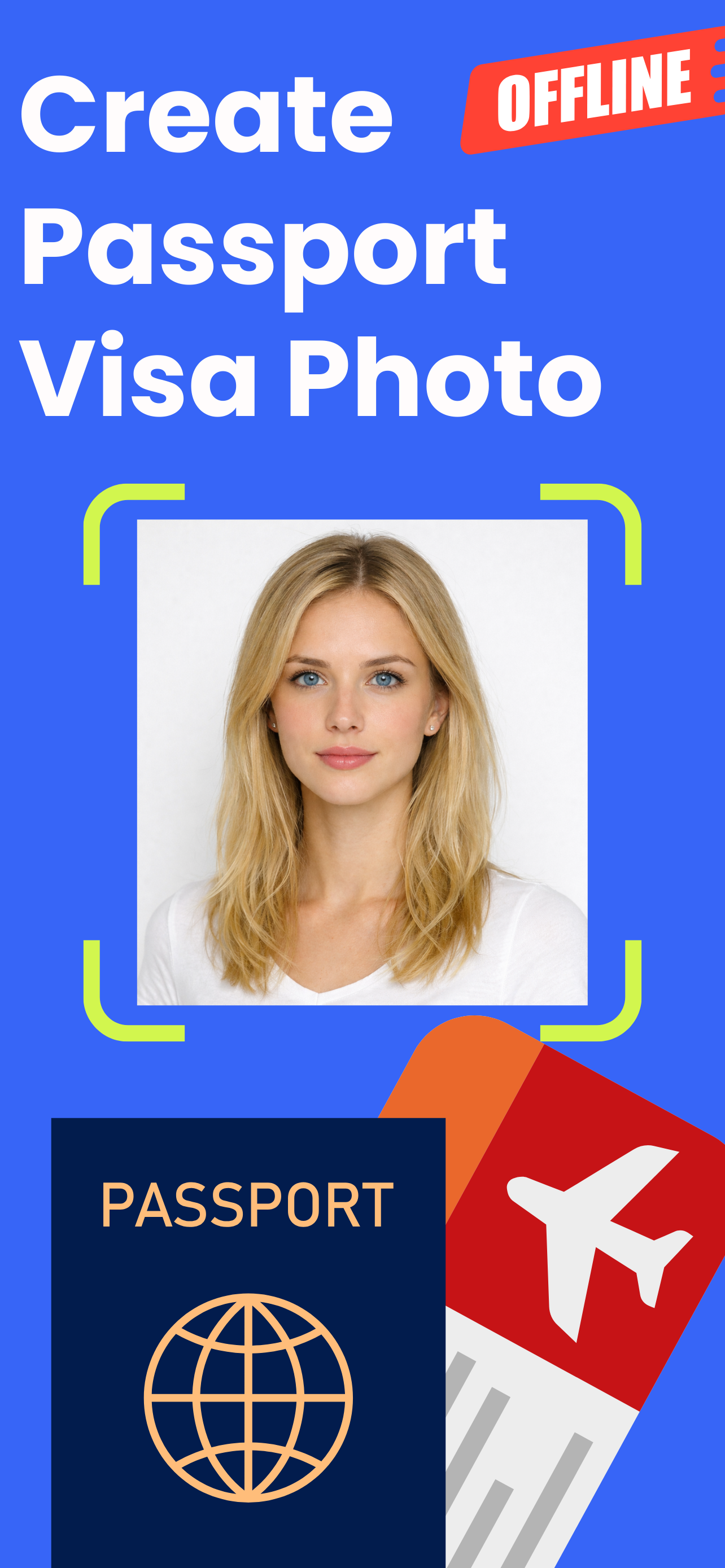
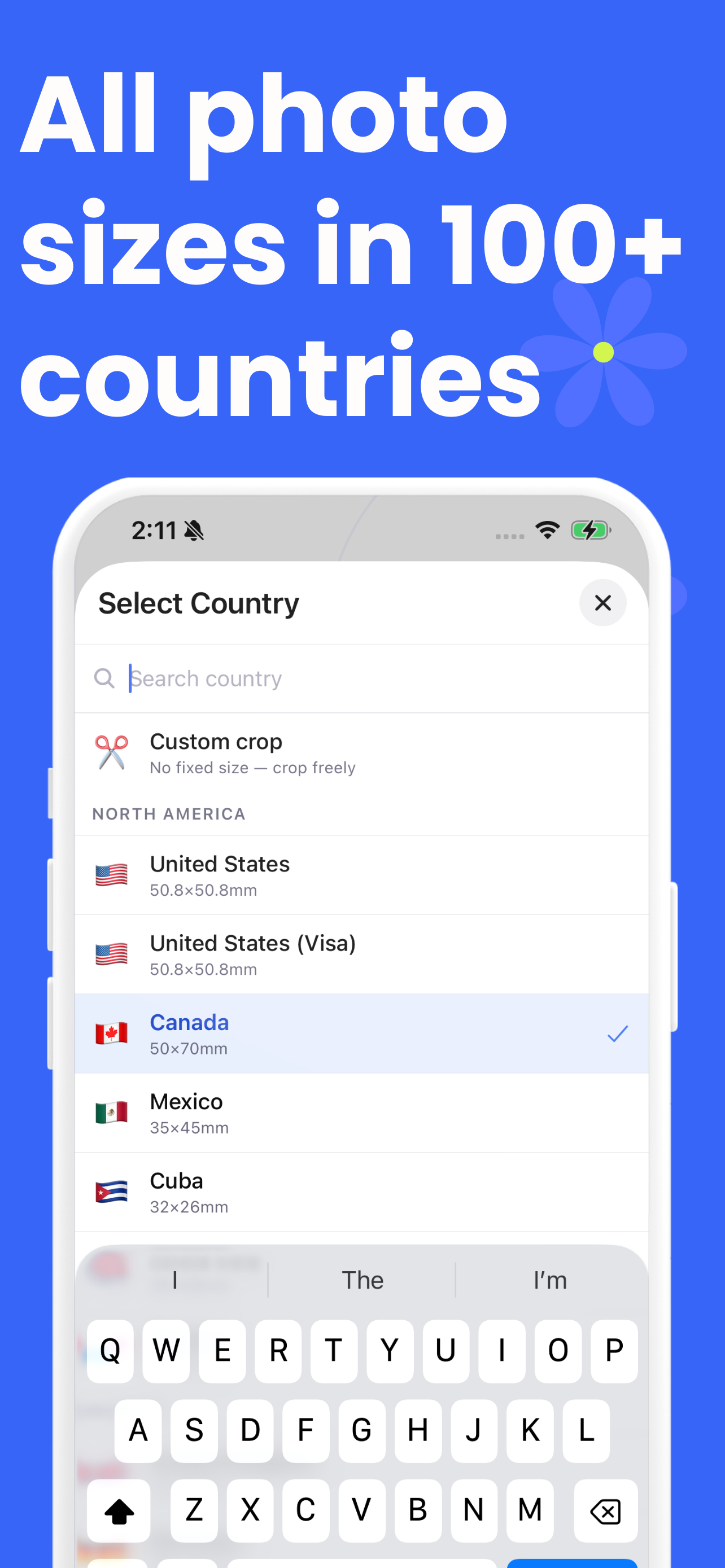
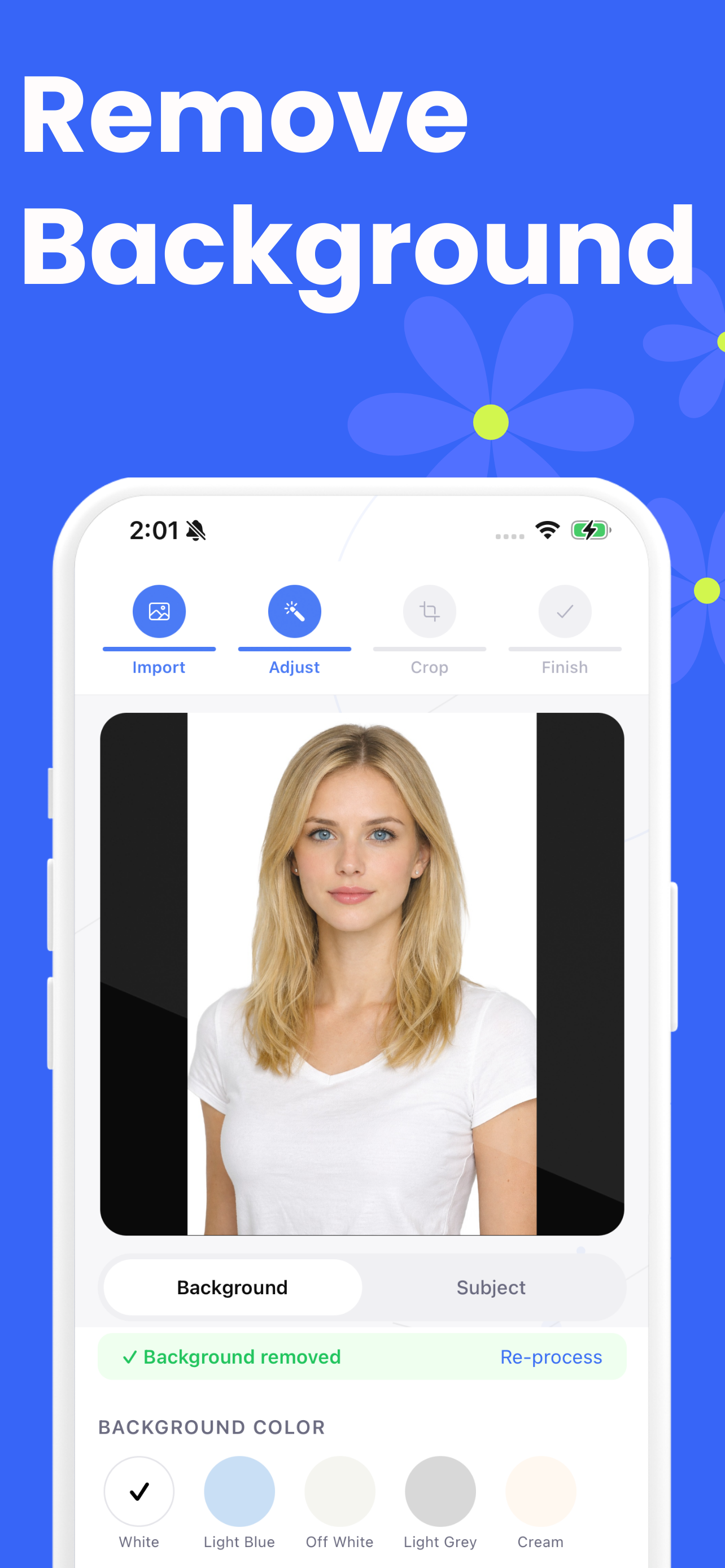
The same workflow as this website, native on iOS: the phone's camera with a face guide, on-device background removal, more than 80 country formats, print sheets and an export history.
- Capture with the in-app camera or import from Photos and Files
- On-device background removal — nothing is uploaded
- Brightness, contrast, saturation, warmth, highlights and shadows
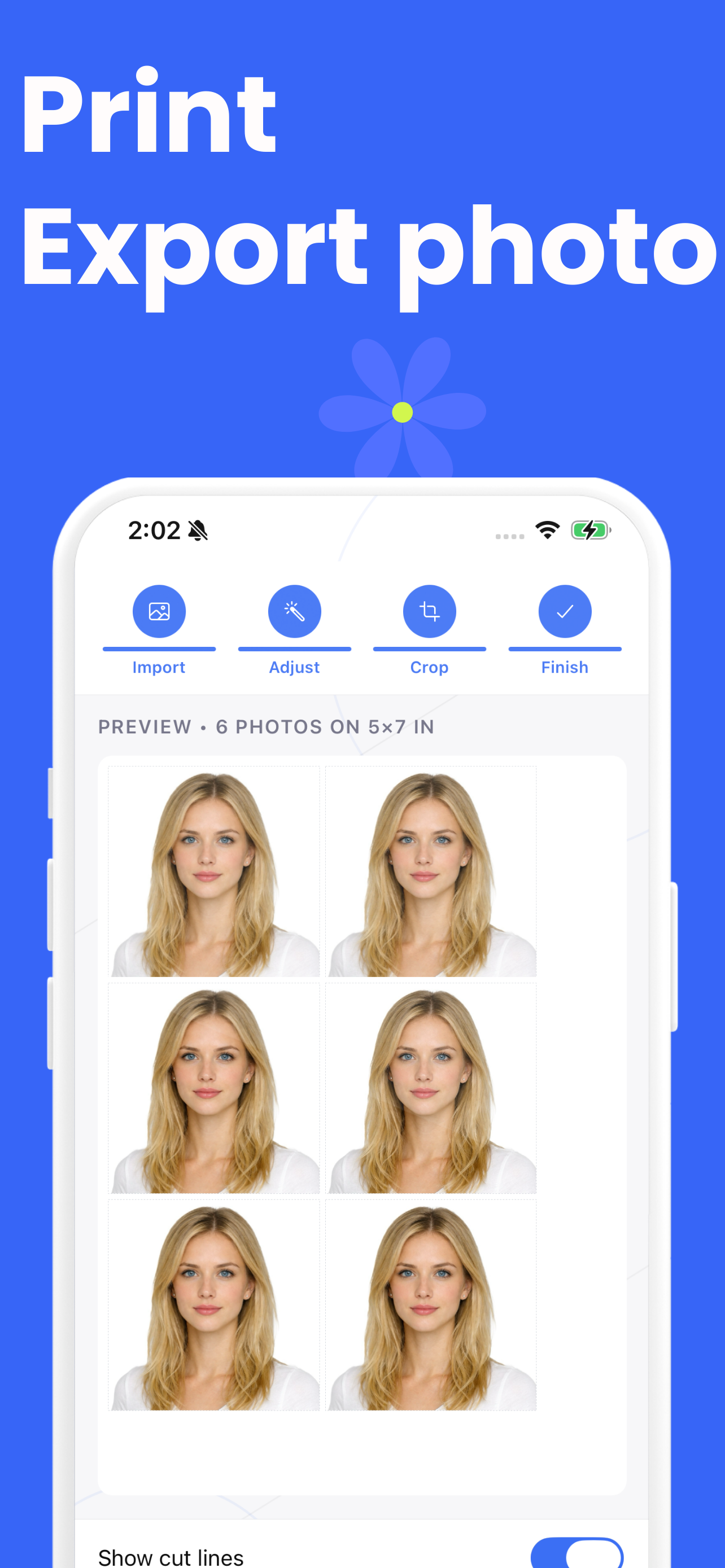
- Print sheets in five paper sizes with optional cut lines
Honest about the money: the app is free to download and the first export
is free. After that, saving or sharing asks for its Pro subscription. The website has no such
limit, and if you only need one photo today you may not need the app at all.
Screens

Website or app?
| This website | The iOS app | |
|---|---|---|
| Country formats | 82 | More than 80 |
| Automatic crop from your face | Yes | Face guide plus manual crop |
| Compliance report | Yes | — |
| Background replacement | Yes | Yes |
| Print sheets | Yes | Yes, five paper sizes |
| Export history | — | Yes |
| Unlimited free exports | Yes | First export free, then Pro |
| Works offline | Yes, once loaded | Yes |